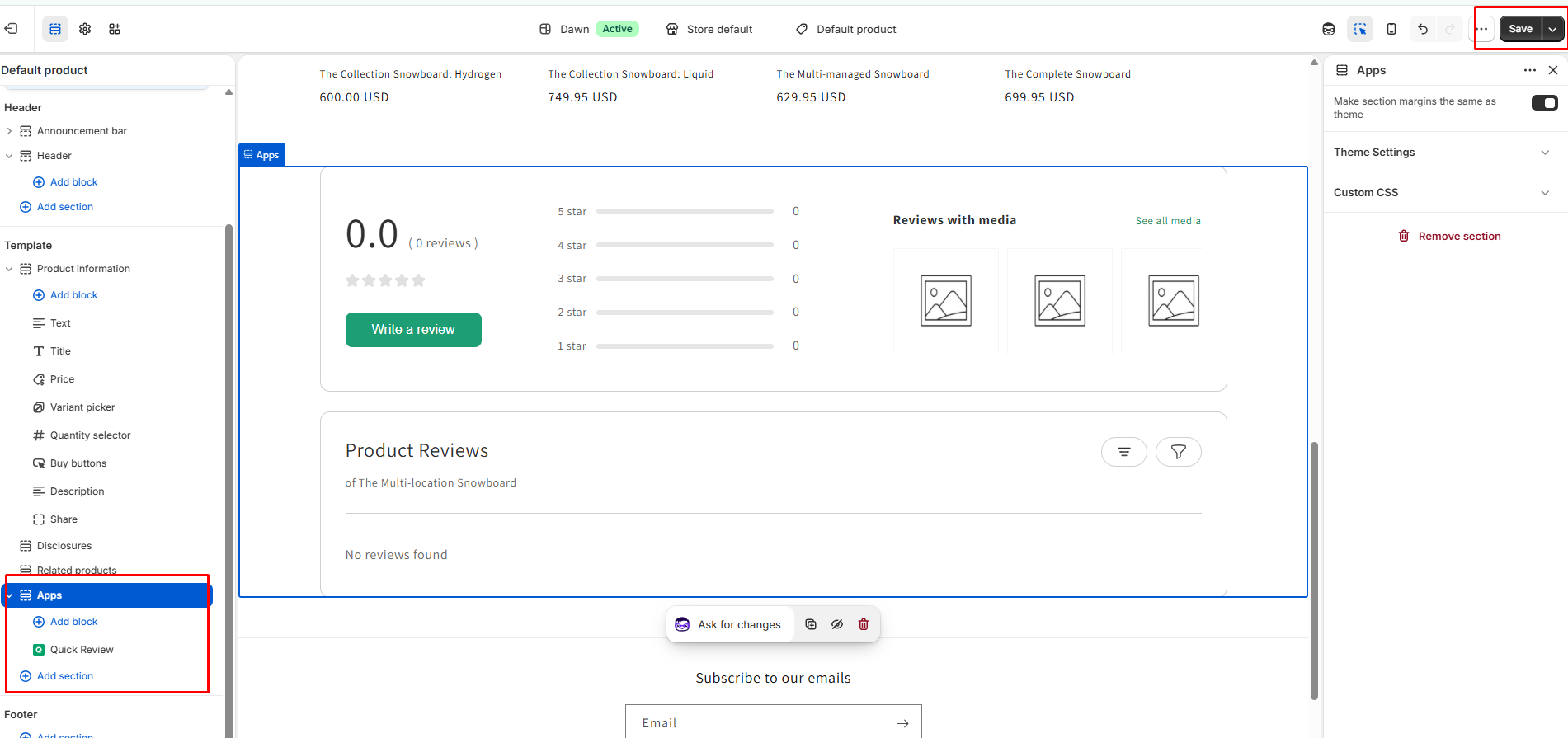
Widgets Page Overview
The Widgets Page allows merchants to explore, customize, and install various review widgets to showcase customer feedback across their Shopify store.
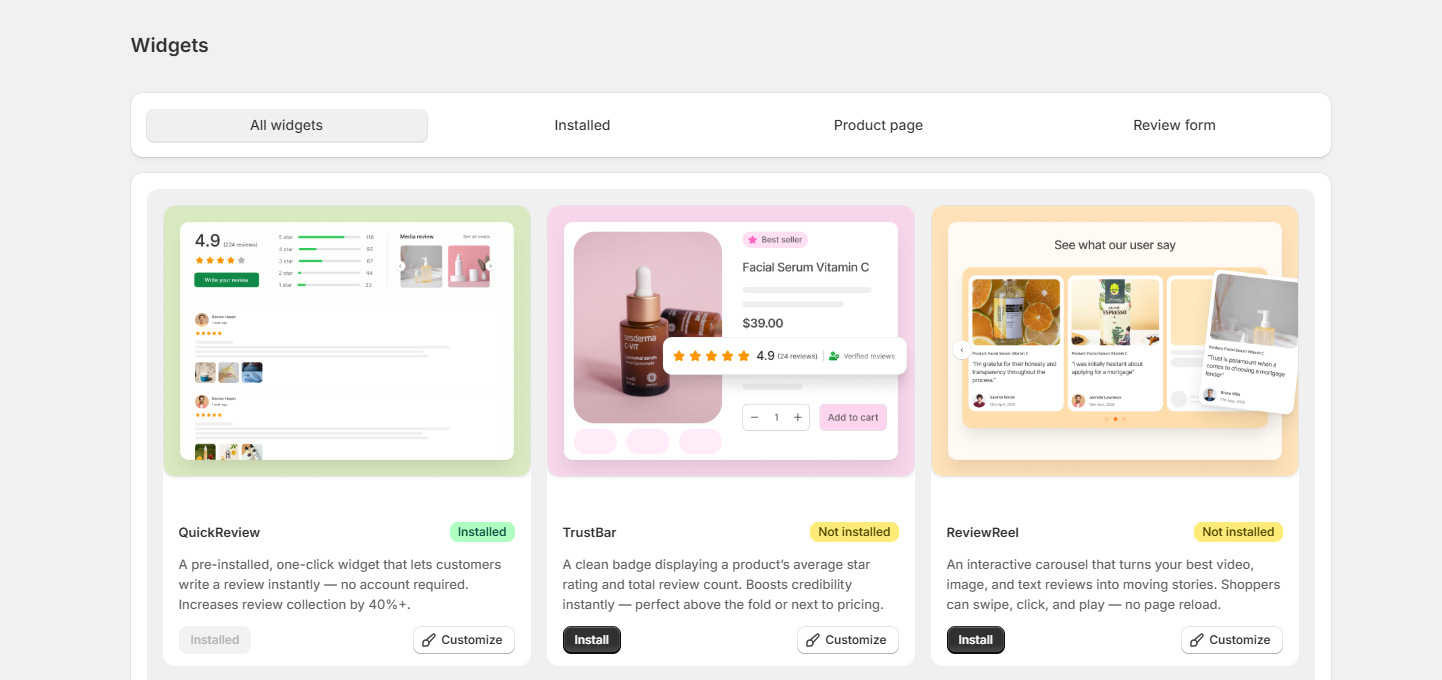
Category Filter Tabs
- All widgets: Displays the complete catalog of available review widgets.
- Installed: Filters and shows only the widgets currently active or added to your store pages.
- Product page: Filters widgets specifically designed for display on individual product pages.
- Review form: Displays widgets related to collecting customer review submissions.
Available Widgets
- QuickReview (Installed): A pre-installed widget that lets customers write reviews instantly on the product page. Includes options to view Installed status or click Customize to modify layout and design.
- TrustBar (Not installed): A compact badge displaying a product's average star rating and total review count near pricing details to boost credibility. Includes Install and Customize buttons.
- ReviewReel (Not installed): An interactive carousel widget that showcases video, image, and text reviews in a swipeable format. Includes Install and Customize buttons.
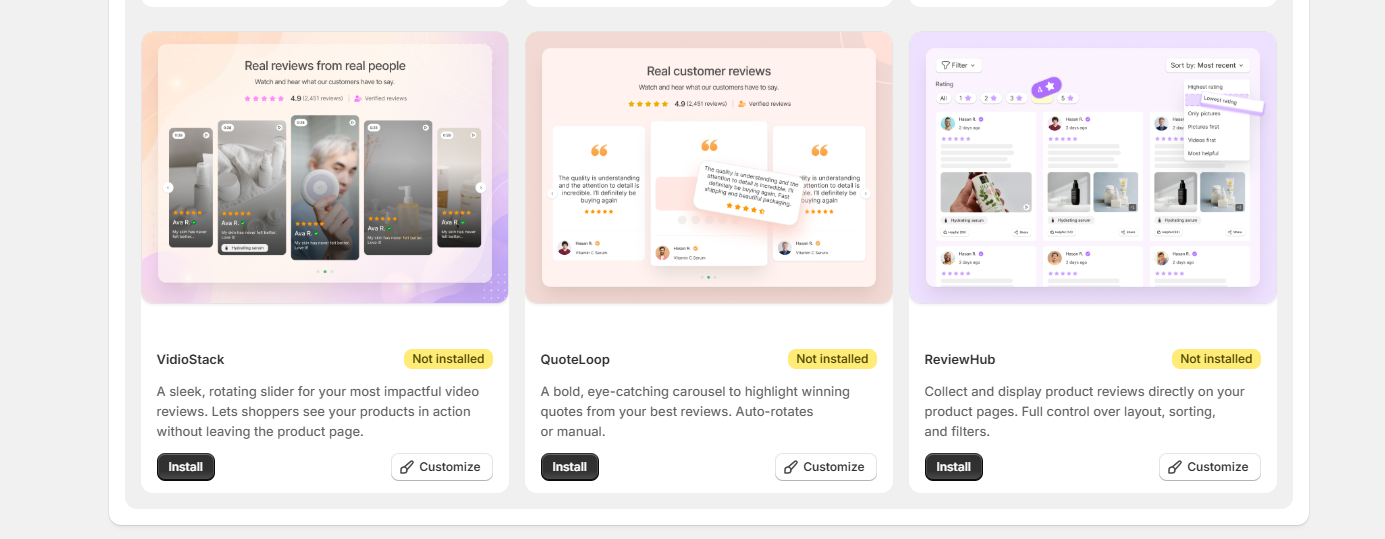
- VidioStack (Not installed): A sleek, rotating slider designed for high-impact video reviews. Allows shoppers to see products in action without leaving the product page. Includes Install and Customize options.
- QuoteLoop (Not installed): A bold, eye-catching carousel that highlights key customer quotes and testimonials. Supports both auto-rotate and manual scrolling. Includes Install and Customize options.
- ReviewHub (Not installed): A comprehensive widget to collect and display product reviews directly on all pages, featuring full control over layout, sorting, and rating filters. Includes Install and Customize options.
Widget Control Buttons
- Install Button: Click this button to be automatically redirected to your current Shopify theme customization page, where the selected widget will be added to your storefront.
- Customize Button: Click this to open the widget editor, where you can modify the layout, text, colors, font size, and display rules to match your store's branding.